Ride like a pro in this realistic extreme sport game series
iOS / Android
Touchgrind BMX 2
Faster, hotter, bolder, brighter, more creative, more dynamic, more appealing and unquestionably more EXTREME! The result – the most elaborate BMX mobile sports game on the App Store.
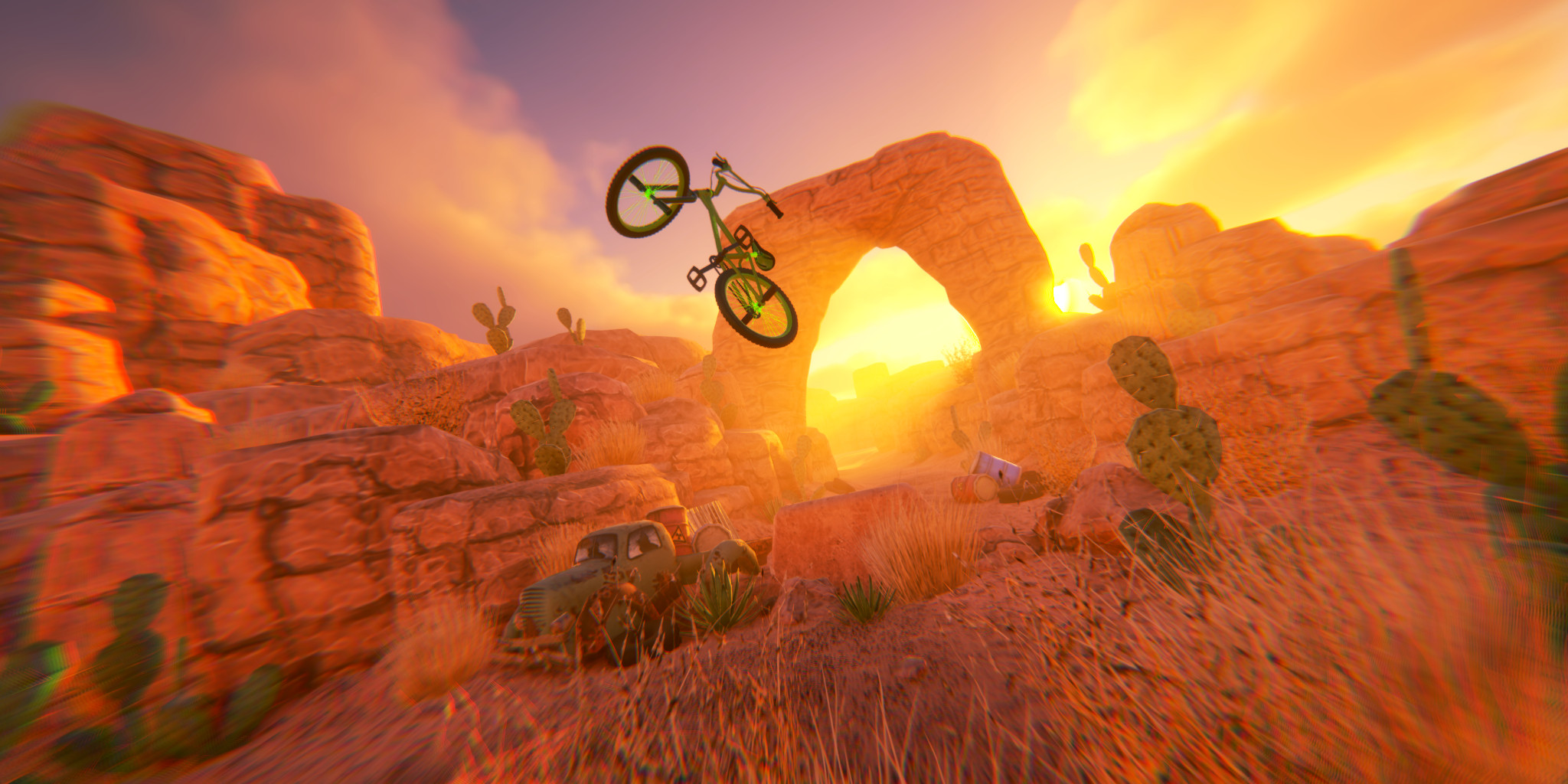
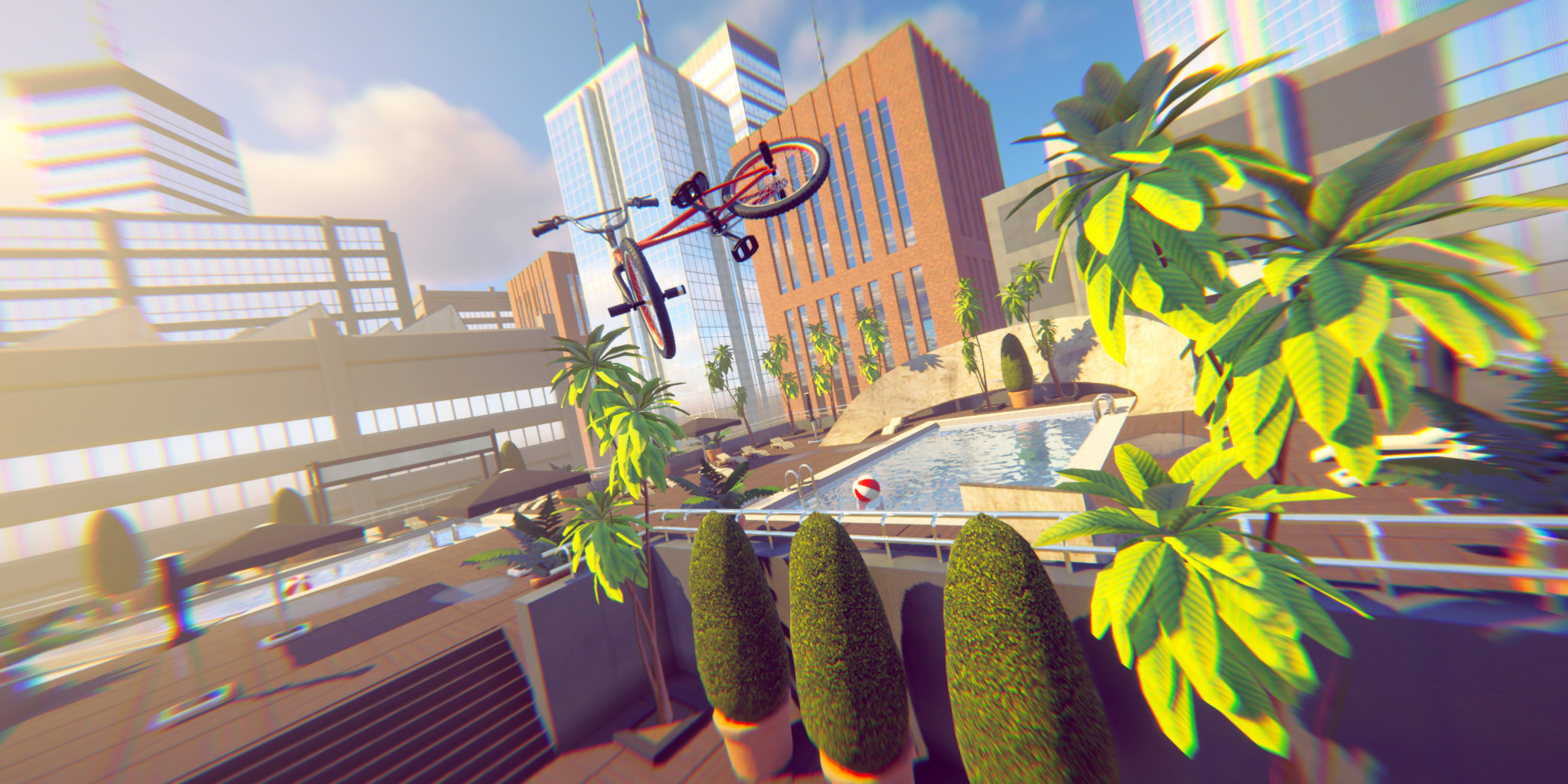
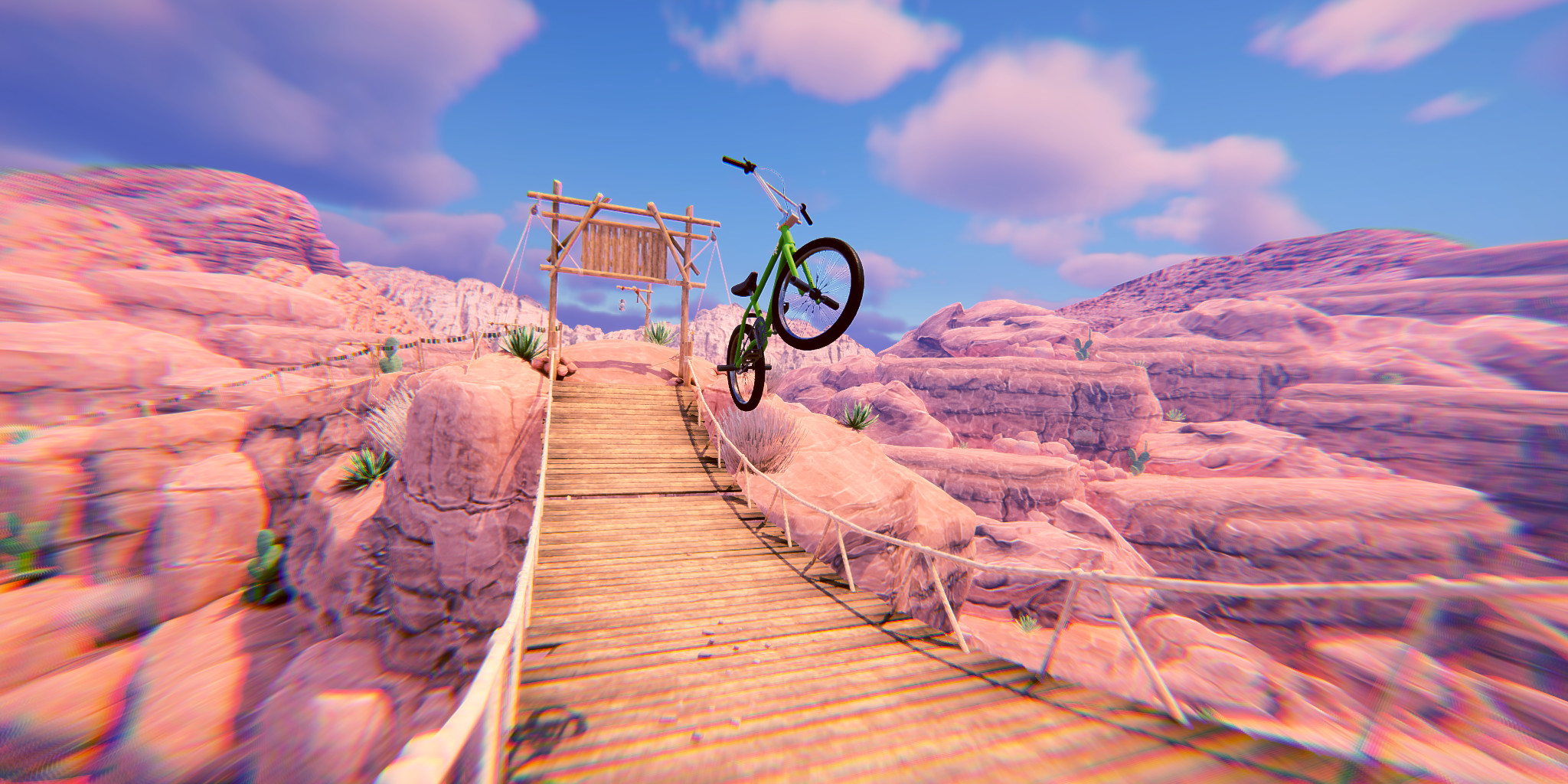
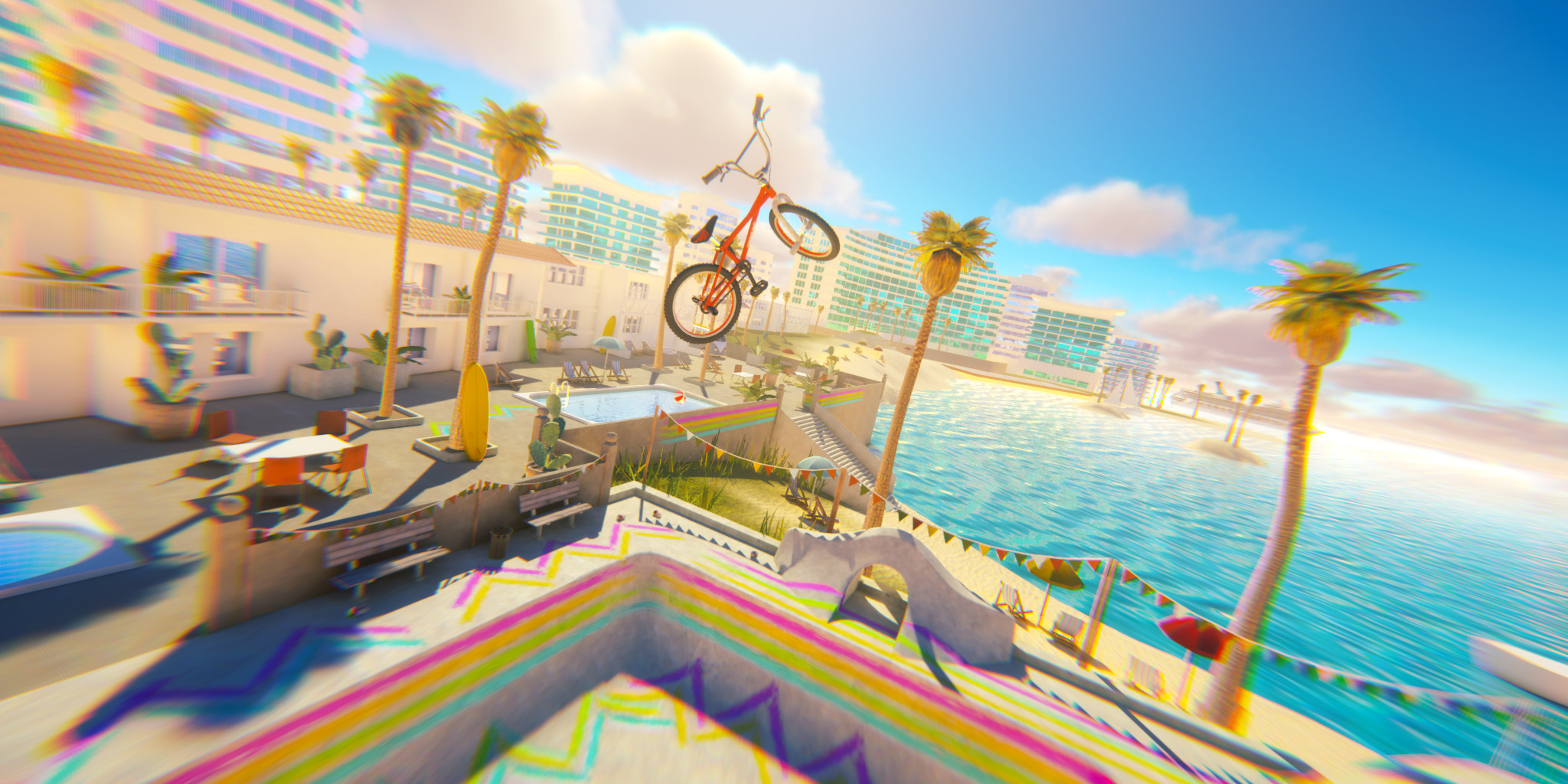
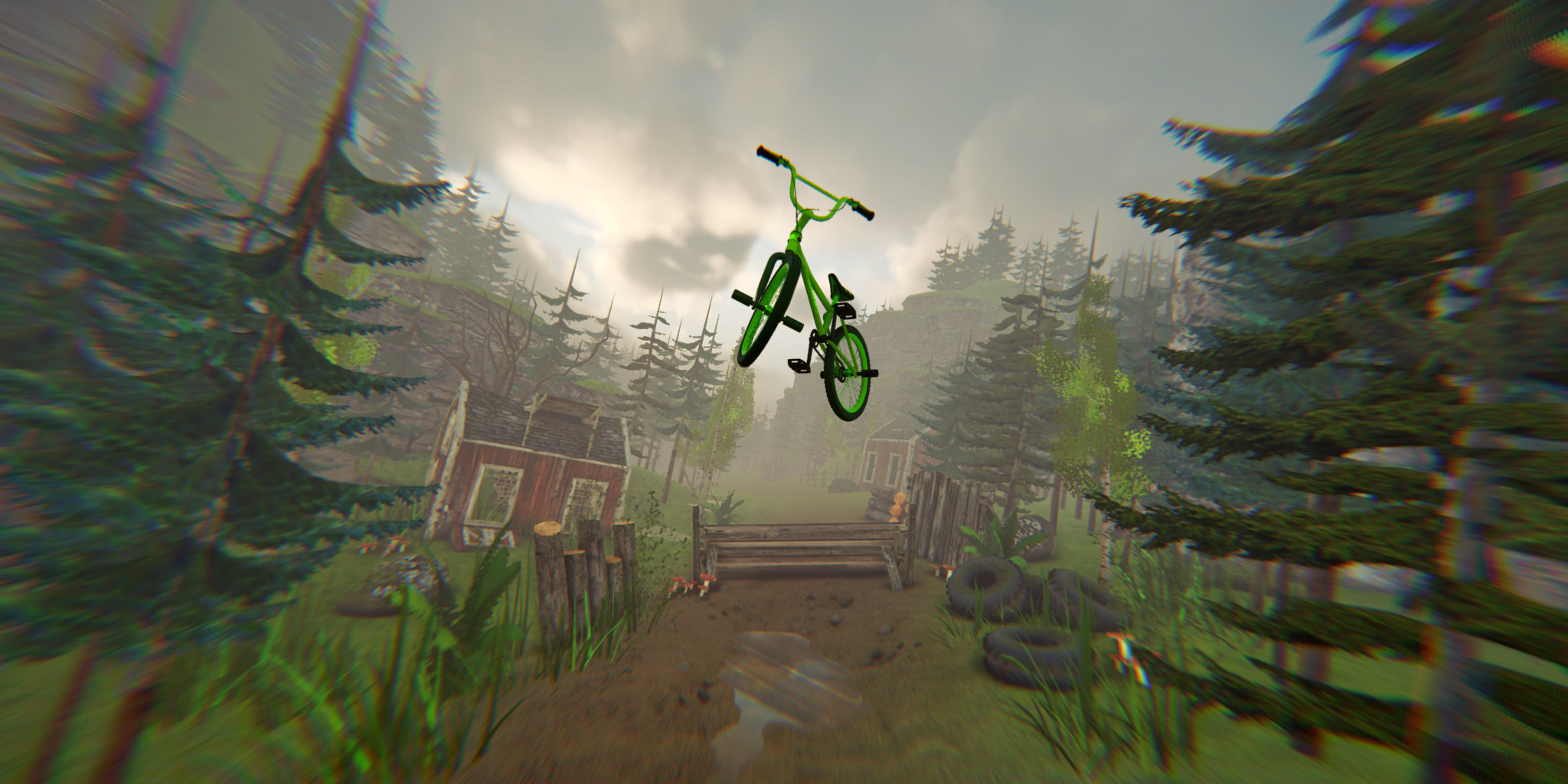
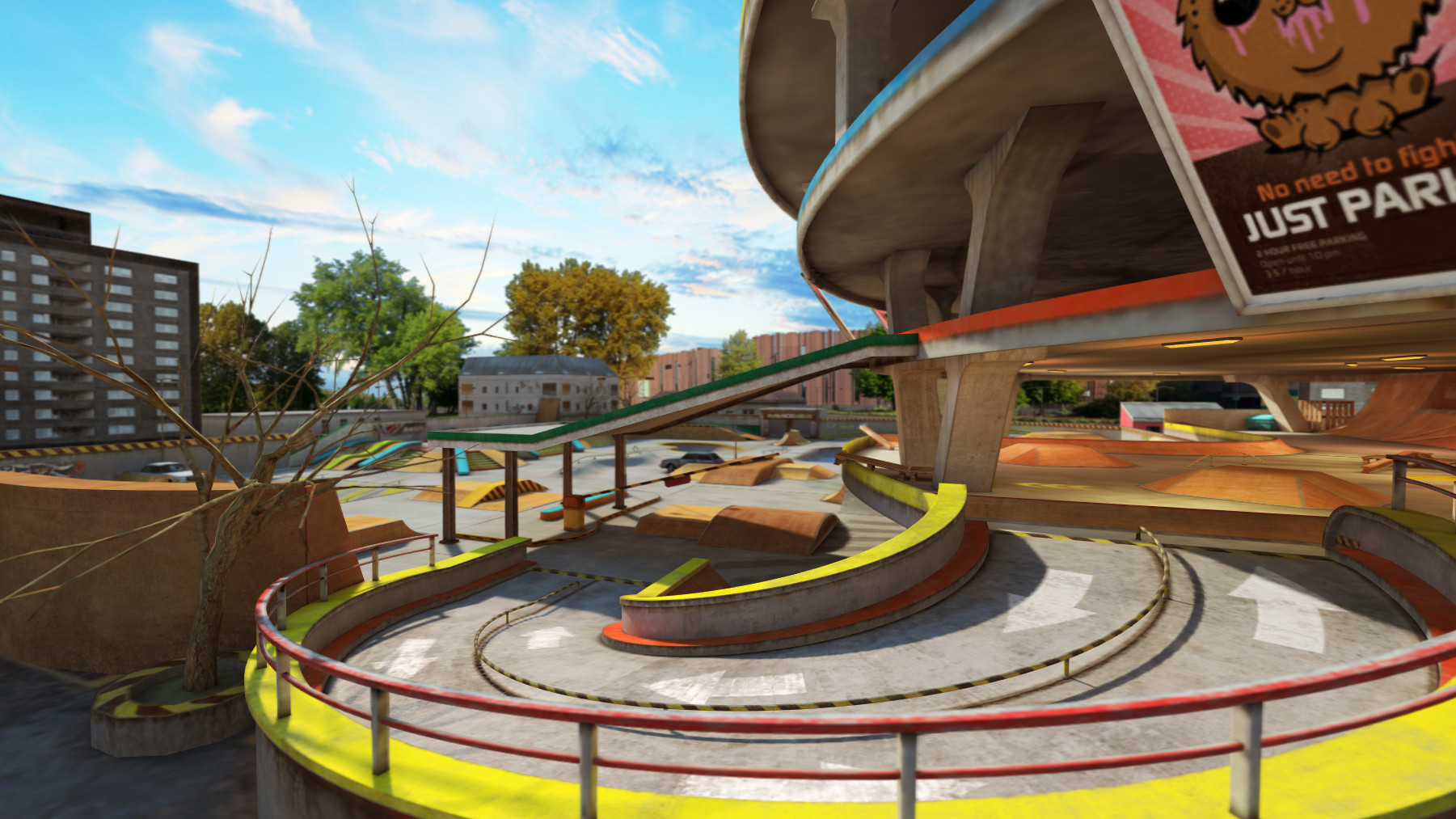
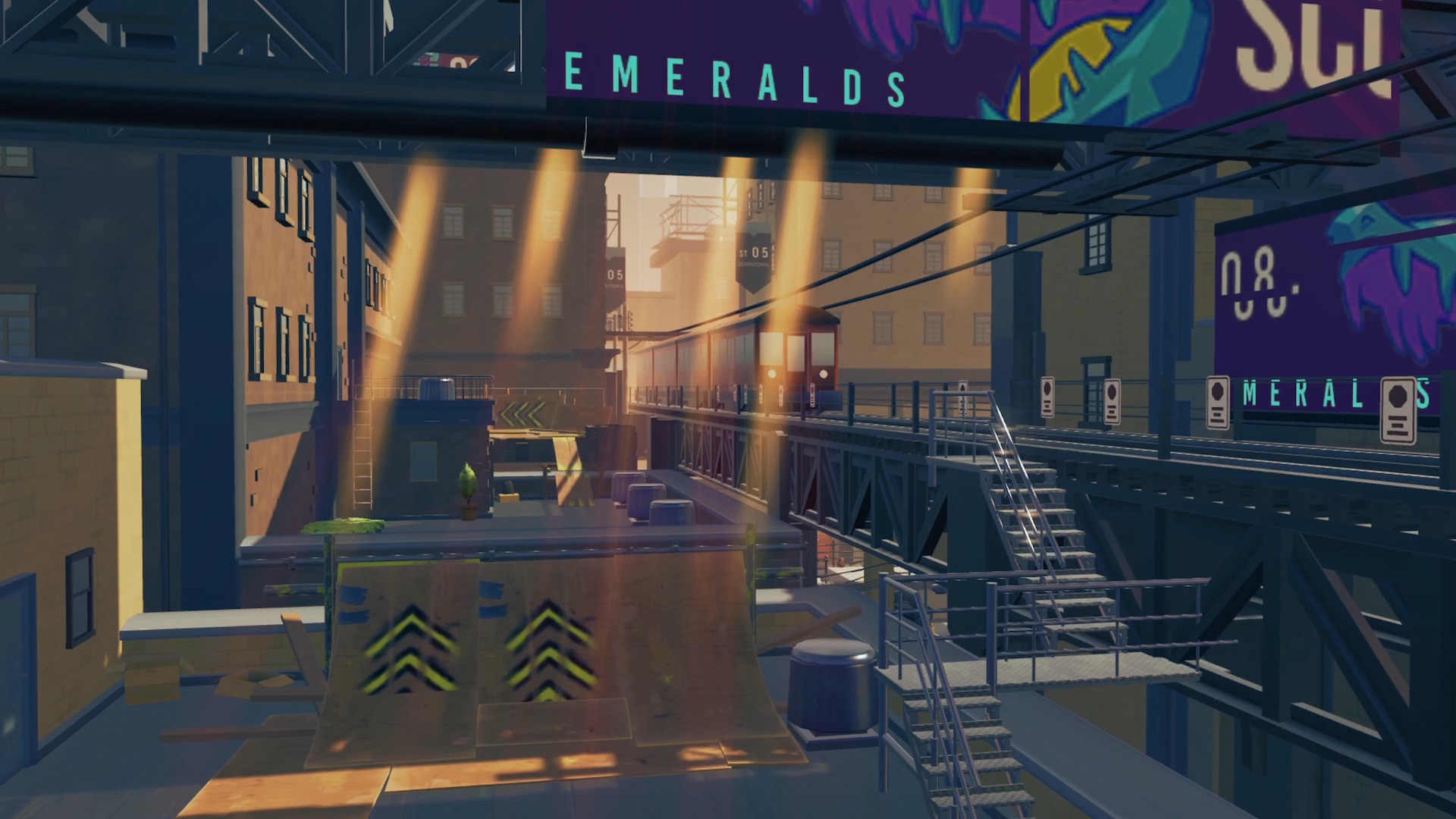
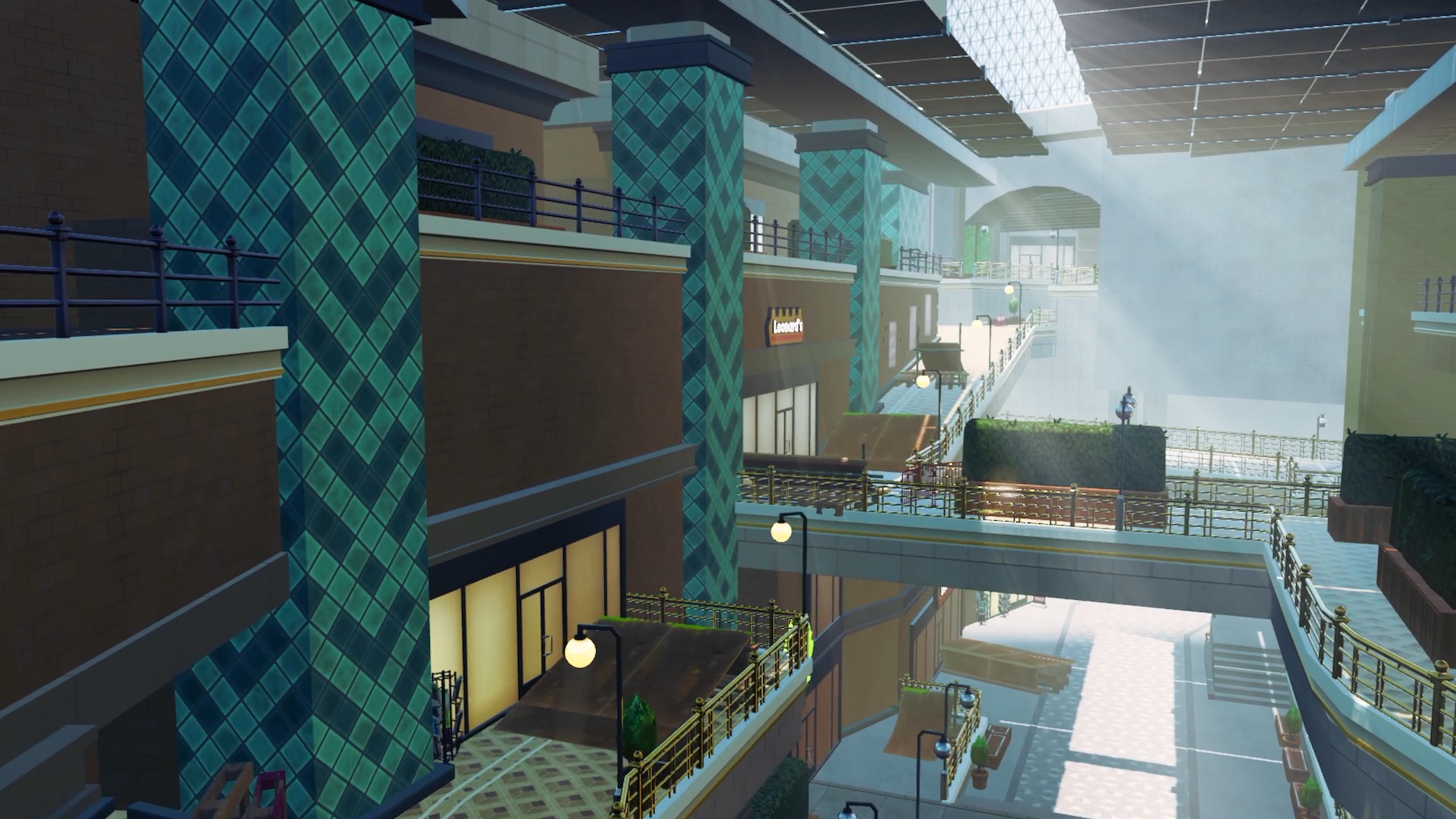
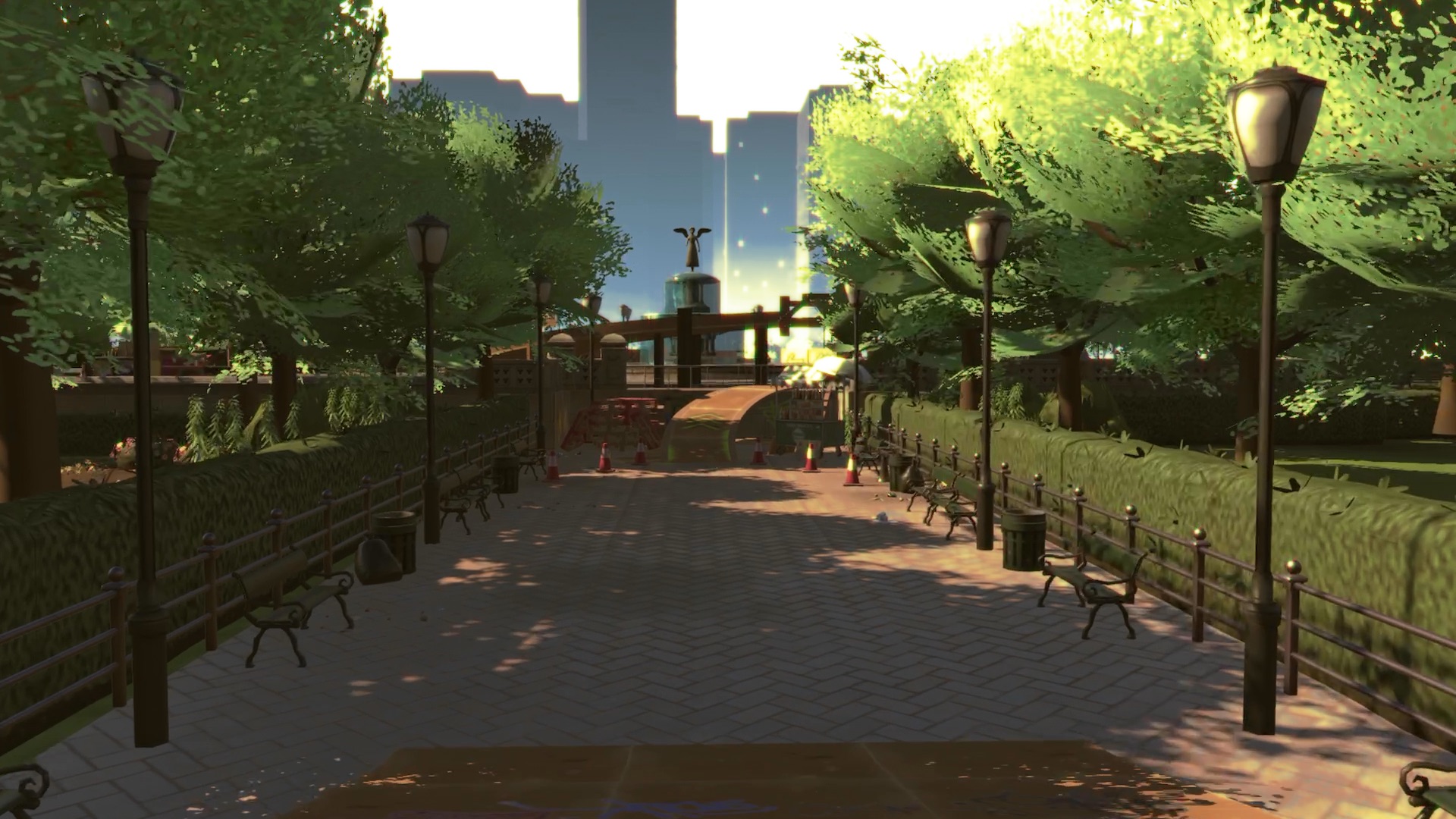
Experience incredible environments riding through dazzling locations around the globe. Drop off fifty meter rooftops surrounded by skyscrapers in Vertigo, launch off mini ramps and rush downhill on the shady slopes of Montaña Alta, shred the trails on Grizzly Trail or take your chances descending Viper Valley’s narrow ledges literally flying over lethal gaps.
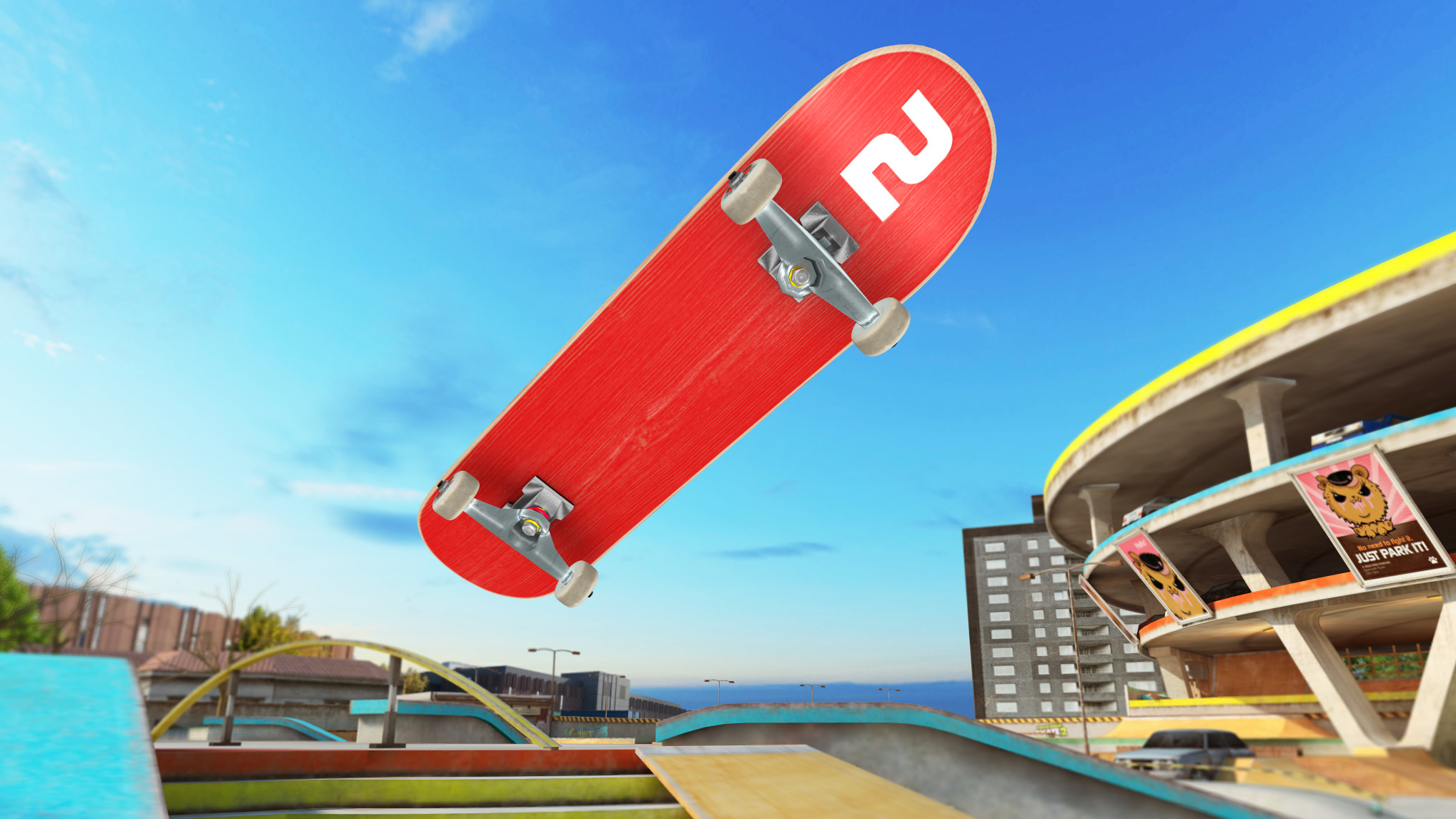
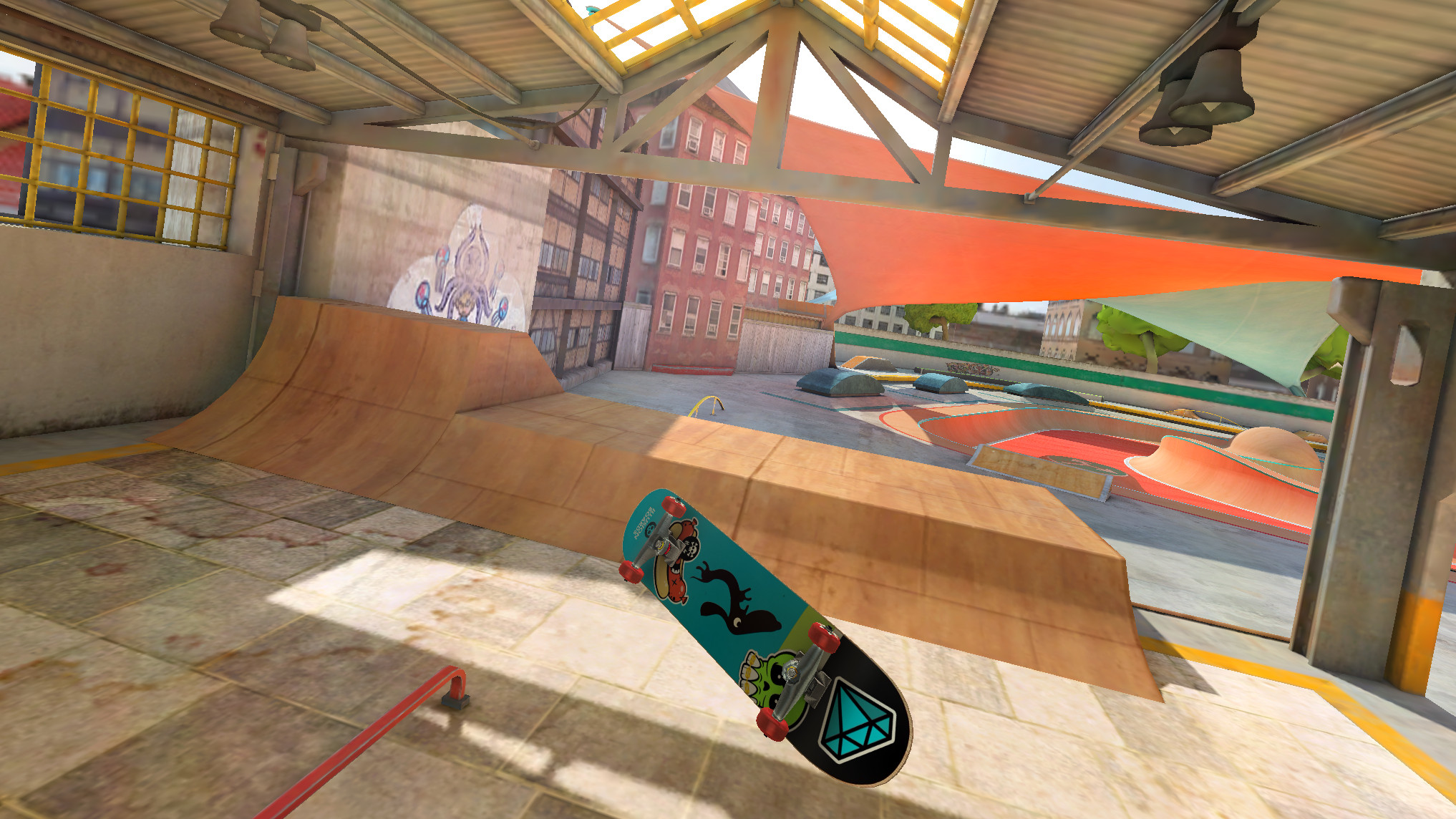
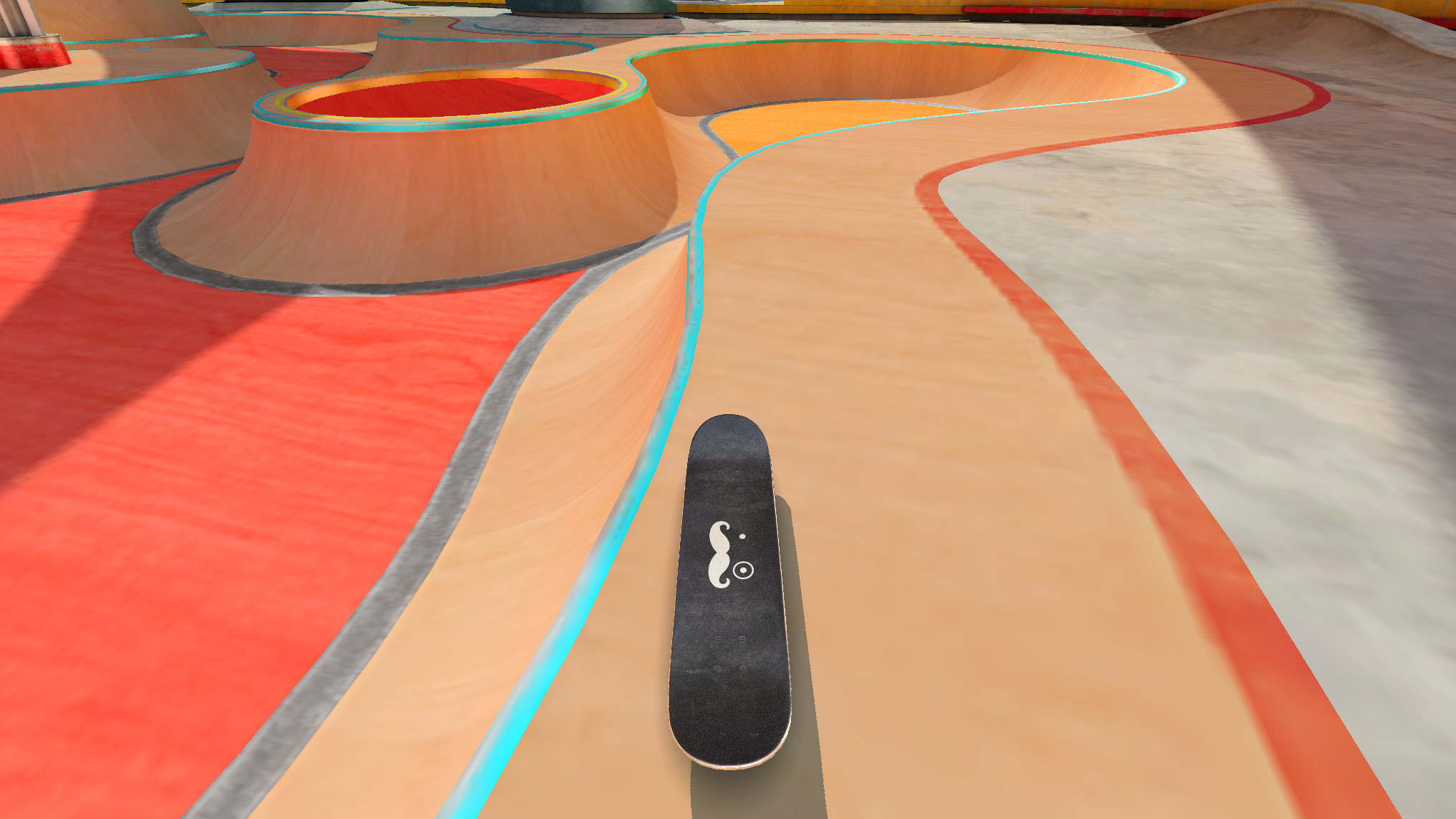
Just like in real skateboarding or fingerboarding, Touchgrind Skate 2 is a game of skill that takes less than ten minutes to understand but a lifetime to master.
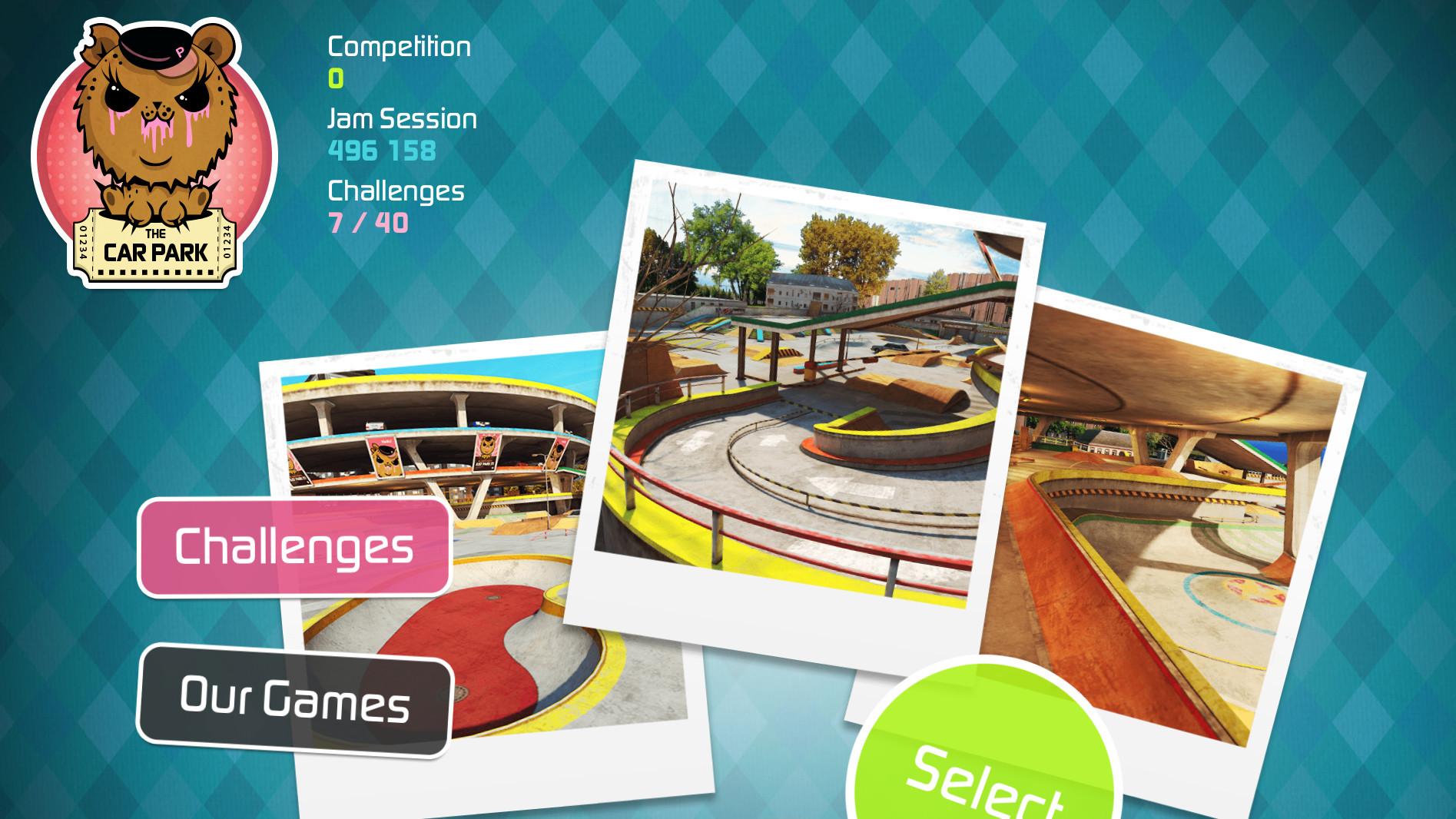
Learn the tricks, complete challenges and achieve trophies. If you like the first location you will certainly like the rest. Get access to more locations through in-app purchases with even more boards, grip tapes, wheels and stickers to unlock. Get the highest score in time-limited Competition mode, rip freely and complete challenges in Jam Session mode, challenge your friends in the turn-based multiplayer Game of S.K.A.T.E or export video clips and show off your best lines.
Touchgrind Skate 2’s innovative finger controls together with real physics simulation let you pull off tricks like ollies, pop shuvits, kickflips, heelflips, impossibles, powerslides, lip tricks, stalls, drops, 5-0’s, 50-50’s, crooks, tailslides, bluntslides, darkslides etc in endless combinations, or why not do them in nollie, fakie or switch? – Only your skill and imagination set the limit.
Category:
Extreme sports
RELEASE Date:
November 2013
iOS / Android
Touchgrind SCOOTER
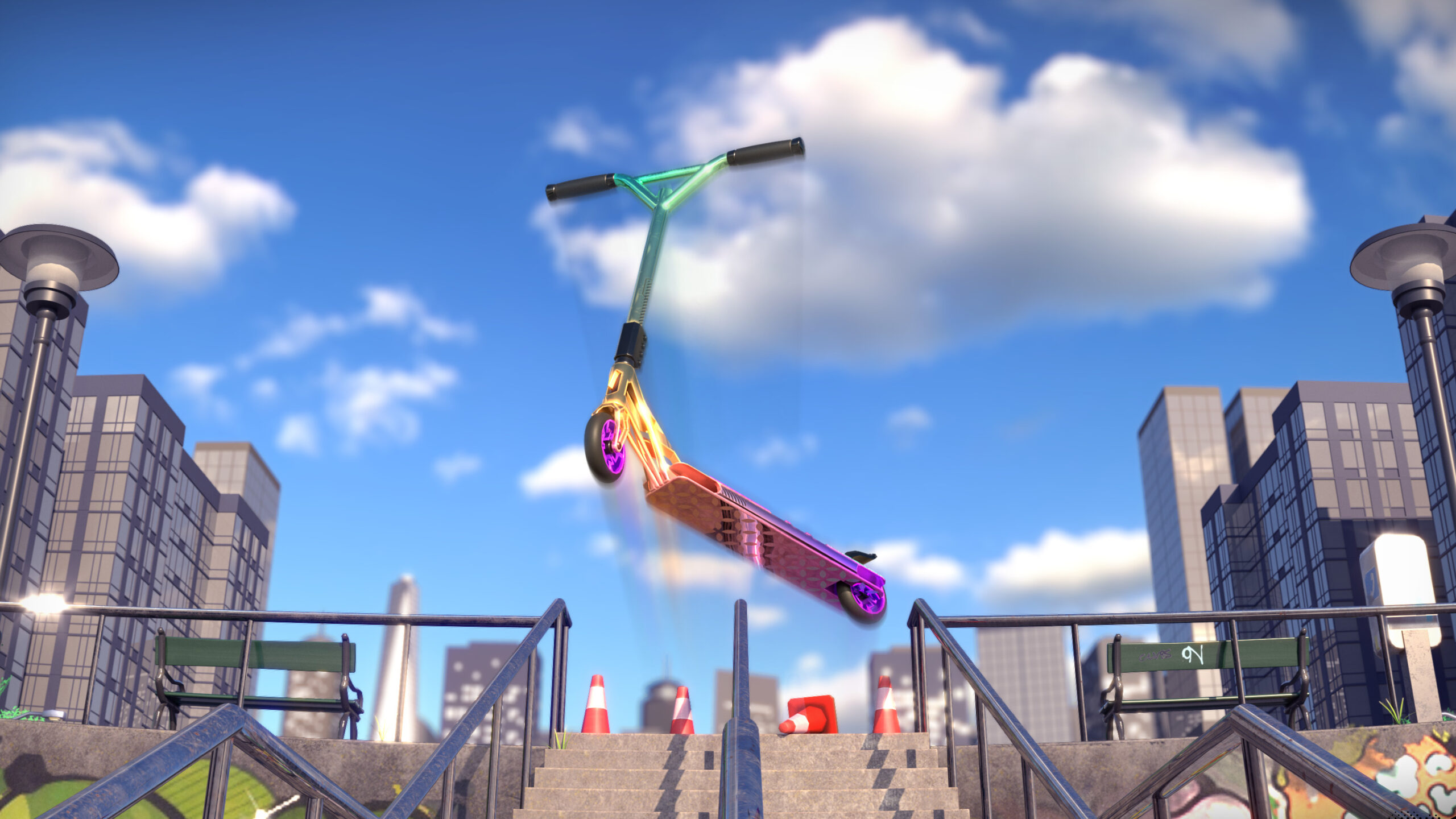
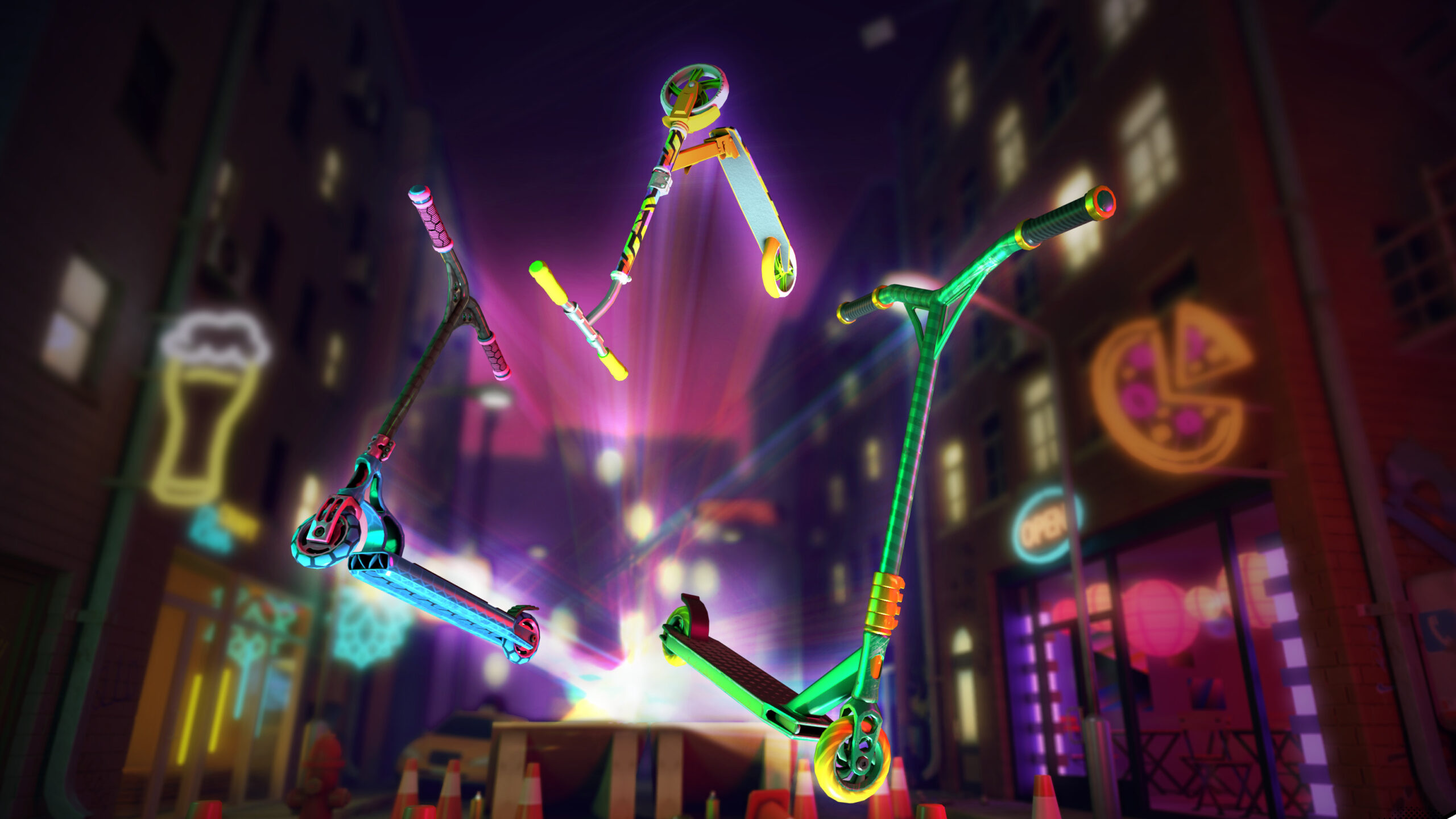
Prove your dominance whilst exploring urban locations in a large city. BE TOUGH and keep up with the best scooter competitors globally when racing on multiple tracks on each location. Grind escalators and rails, boost off huge jumps, ramps and ledges, score insane fakie trick combos and you may be just one step closer to becoming the best rider in the world.
REALISTIC GRAPHICS AND ORIGINAL MUSIC make Touchgrind Scooter a truly breathtaking gaming experience. Once you break the rules of gravity, get the hang of speed, style and precision and watch your Scooter soar in this adrenaline-fueled Scooter game nothing will stop you from becoming THE Legend!